
Free AI Brand Visual Generator - Create Professional Brand Assets
Generate professional brand visuals instantly with AI. Free brand visual generator powered by Nano Banana Pro and SeeDream. Create logos, brand identities, color schemes, and visual systems in seconds. Perfect for startups, businesses, and designers.

What is Brand Visual Generator?
A Brand Visual Generator is a sophisticated AI-powered toolkit designed to democratize professional branding. It empowers startups, entrepreneurs, and designers to create comprehensive brand identities—from logos and color palettes to marketing collateral and social media assets—without the steep costs or long timelines associated with traditional agencies.
By harnessing advanced generative models like Nano Banana Pro, SeeDream, and Dreamina, these tools go beyond simple image creation. They understand the context of brand consistency, ensuring that a logo generated today matches the stylistic tone of a social media banner generated tomorrow. Whether you are building a brand from scratch or refreshing an existing identity, a Brand Visual Generator acts as your tireless creative director, offering infinite variations and professional-grade assets on demand.
Key Features of Brand Visual Generator
- 🎯 Brand Consistency Across All AssetsMaintain a unified visual language across every touchpoint. The AI ensures your social media templates, website backgrounds, and business cards share the same "DNA"—matching color codes, artistic styles, and emotional tones automatically.
- 📦 Comprehensive Asset LibraryGenerate a wide array of deliverables in one place: primary and secondary logos, favicons, branded patterns, textures, slide deck backgrounds, and social media headers.
- 🎨 AI Color Palette GenerationStruggling with colors? The generator can extract harmonious color schemes (primary, secondary, accent) directly from a mood board or generate them based on color theory principles (complementary, monochromatic, triadic).
- ✒️ Typography & Font Pairing SuggestionsReceive intelligent recommendations for typography that complements your visual style. If your brand visual is "modern and geometric," the AI suggests clean Sans-Serif fonts; for "luxury," it might suggest elegant Serifs.
- 🔄 Infinite Style VariationsBreak free from creative blocks. Instantly visualize your brand in multiple aesthetic directions—minimalist, retro-pop, cyberpunk, organic, or corporate—before narrowing down to the perfect identity.
- 💼 Professional Identity KitsCreate ready-to-use brand kits that include logo variations (horizontal, vertical, icon-only), safe zone guides, and usage rules, essential for maintaining professionalism as you scale.
- 🛡️ Brand Governance & ControlInput your specific hex codes and style constraints to ensure every generated image complies with your established brand guidelines, preventing "off-brand" visuals from reaching the public.
How to Use Brand Visual Generator with SeeDream & Nano Banana Pro?
Creating a professional brand identity is a structured process. Follow these three steps to maximize the potential of AI tools like SeeDream and Nano Banana Pro.
Step 1: Describe Your Brand Vision (Text Prompt)
The quality of your output depends heavily on the clarity of your input. A generic prompt yields generic results. To generate a unique brand visual, your prompt should act as a creative brief.
Essential Prompt Ingredients:
- Industry/Niche: (e.g., "Sustainable coffee shop," "Fintech app")
- Brand Personality: (e.g., "Playful," "Authoritative," "Luxury," "Minimalist")
- Key Elements: (e.g., "Coffee bean," "Shield icon," "Abstract waves")
- Color Palette: (e.g., "Earth tones, sage green and brown," "Neon blue and black")
- Artistic Style: (e.g., "Flat vector," "3D render," "Watercolor," "Bauhaus")
Example Prompt:
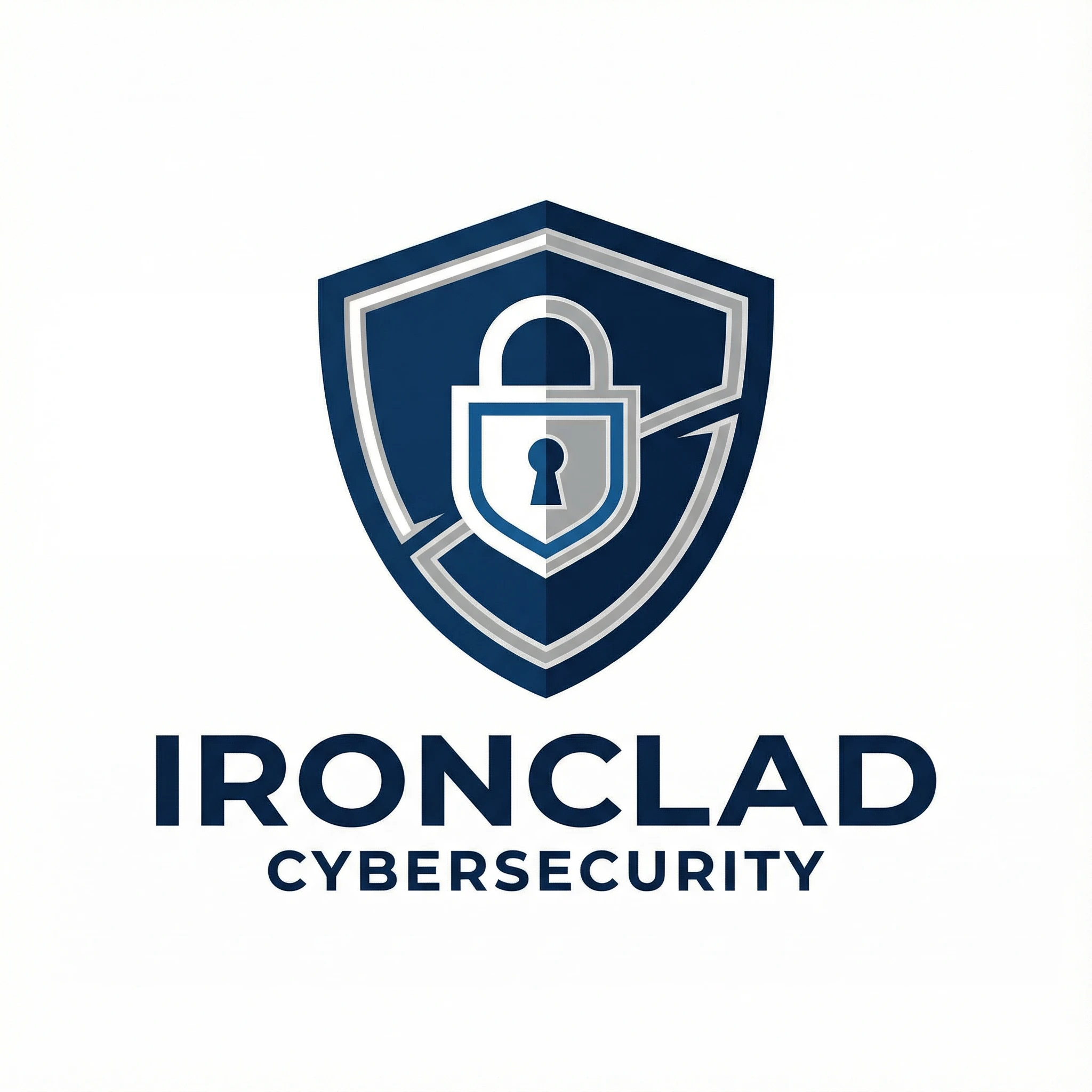
"A professional logo for a cybersecurity startup named 'IronClad', featuring a stylized shield and padlock, deep navy blue and silver color scheme, sleek geometric lines, flat vector style, white background, high contrast, sans-serif typography feel."
Step 2: Choose Generation Parameters
Selecting the right model and settings is crucial for the type of asset you are creating.
- Model Selection:
- Nano Banana Pro: Recommended for Logos & Text. This model excels at precise geometric shapes, clean lines, and adhering to complex structural instructions. It is less likely to hallucinate unwanted details, making it perfect for primary brand marks.
- SeeDream: Recommended for Textures & Mood. Use this for generating organic brand patterns, packaging backgrounds, or "mood board" imagery where artistic flair is more important than geometric precision.
- Dreamina: Recommended for Social & 3D. Ideal for creating modern, vibrant 3D brand assets, mockups, or high-engagement social media visuals.
- Image Size & Aspect Ratio:
- 1:1 (Square): Best for logos, favicons, and Instagram posts.
- 16:9 (Landscape): Best for website headers, YouTube banners, and presentation slides.
- 9:16 (Portrait): Best for TikTok/Reels backgrounds or mobile wallpapers.
- Generation Quantity: Generate batches of 4 to 8 images at a time. Branding is an iterative process; having options allows you to mix and match elements you like.
- Negative Prompt: Tell the AI what to avoid.
- Standard Branding Negative Prompts: "blurry, low resolution, watermark, text, realistic photo, cluttered, complex details, shadows, gradients (if wanting flat)."
Step 3: Generate & Refine
Click Generate and review your results. It is rare to get the perfect final asset in the first shot.
- Selection: Pick the image that has the strongest composition.
- Variation: Use the "Make Variations" feature on your top choice to explore slight tweaks in shape or color.
- Upscale: Once satisfied, use the Upscale tool to increase resolution for print or web use.
- Post-Processing: For logos, you may need to vectorize the image (convert to SVG) using external tools or built-in vectorizers if available, to ensure scalability.
Brand Visual Generator Use Cases & Example Prompts
Explore how different sectors can leverage AI to build distinct visual identities.
3.1 Startup Branding (Identity Kits) 🚀
For early-stage startups, speed and budget are key. Use AI to establish a "Minimum Viable Brand" (MVB) that looks professional from Day 1.
- Use Cases: Primary Logo, App Icon, Color Palette, Pitch Deck Template.
- Key Points: Focus on simplicity and scalability. Ensure the logo works in black & white.
- Recommended Model: Nano Banana Pro (for precision).
Prompt Example:
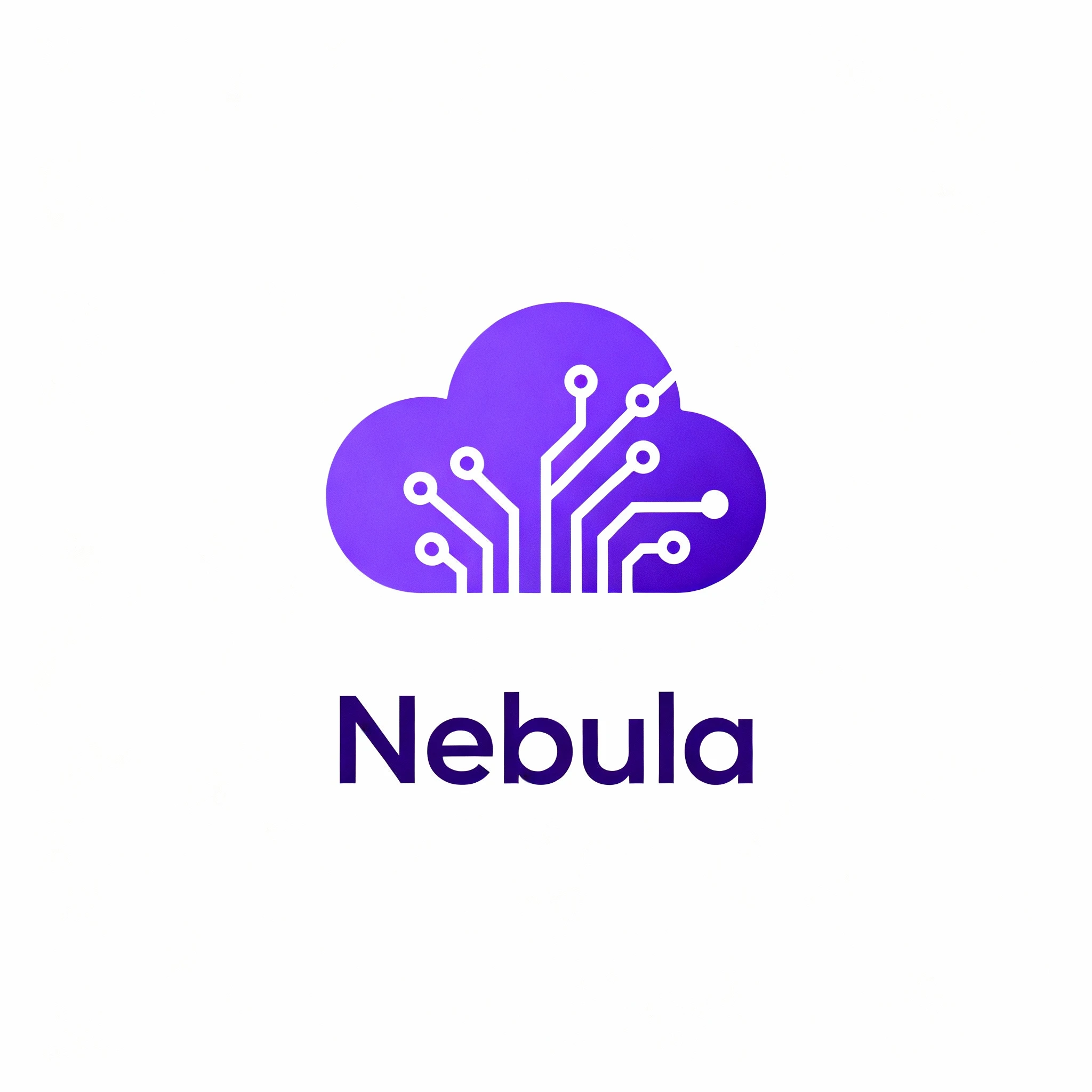
Subject: Minimalist tech startup logo
Brand Name: "Nebula"
Concept: Abstract cloud formation integrating a circuit board pattern
Style: Flat vector, material design
Colors: Electric purple (#8A2BE2) and white
Context: White background, centered composition
Negative Prompt: complex details, shadows, realistic, 3d, gradient
3.2 Social Media Branding 📱
Consistency on social media builds trust. Generate reusable assets that frame your content.
- Use Cases: Instagram Story Backgrounds, YouTube Channel Art, Highlight Covers, Quote Templates.
- Key Points: High energy, vibrant colors, plenty of negative space for overlaying text.
- Recommended Model: Dreamina (for modern aesthetics).
Prompt Example:
Subject: Instagram story background template
Brand Vibe: Gen Z, energetic, streetwear brand
Style: Acid graphics, Y2K aesthetic, liquid metal textures
Colors: Neon green and hot pink
Composition: Large central negative space for text overlay, border decoration
3.3 Marketing Collateral 📢
Extend your brand beyond the logo into the physical and digital world.
- Use Cases: Business Card Textures, Flyer Backgrounds, Newsletter Headers, Packaging Patterns.
- Key Points: Patterns should be seamless (tileable) if possible; textures shouldn't overpower the message.
- Recommended Model: SeeDream (for artistic textures).
Prompt Example:
Subject: Seamless luxury packaging pattern
Brand Vibe: High-end organic skincare
Elements: Botanical leaves, fine lines, gold foil texture effect
Style: Watercolor and line art hybrid, elegant
Colors: Sage green, cream, gold
aspect_ratio: --tile
3.4 Brand Refresh & Rebranding 🔄
Established companies can use AI to brainstorm evolution paths without committing resources to a full agency pitch immediately.
- Use Cases: Modernizing legacy logos, exploring new color systems, testing sub-brand identities.
- Key Points: Keep the core essence (e.g., "the apple") but change the execution style.
- Recommended Model: Nano Banana Pro.
Prompt Example:
Subject: Modernized logo redesign
Concept: Redesigning a traditional "Lion Crest" logo for a modern fintech app
Style: Minimalist geometric, monoline vector
Changes: Simplify complex lines, remove shield, focus on lion head silhouette
Colors: Royal blue and metallic silver
Brand Visual Generator Prompt Writing Guide
Mastering the art of the prompt is the secret to unlocking professional-grade brand assets. A well-structured prompt eliminates the guesswork and helps the AI understand your strategic intent.
4.1 The Perfect Brand Prompt Structure
For consistent results, structure your prompts using this formula:
[Subject/Type] + [Brand Name/Context] + [Core Concept/Imagery] + [Artistic Style] + [Color Palette] + [Composition/Mood]
- Subject/Type: Logo, pattern, social banner, icon set.
- Brand Name/Context: "For a law firm," "For a kids' toy brand."
- Core Concept: "Scales of justice," "Smiling sun character."
- Artistic Style: "Minimalist line art," "3D clay render," "Bauhaus geometric."
- Color Palette: "Navy and gold," "Pastel pinks and blues."
- Composition/Mood: "Centered on white background," "High energy," "Symmetrical."
4.2 Essential Branding Keywords
Use these professional design terms to guide the AI toward specific aesthetics:
- For Modern/Tech: Minimalist, flat design, vector, gradient, sans-serif, geometric, futuristic, sleek, glassmorphism.
- For Luxury/High-End: Serif, elegant, gold foil, black and white, sophisticated, fine lines, embossed, premium texture.
- For Organic/Wellness: Watercolor, hand-drawn, botanical, earth tones, soft lighting, natural textures, matte finish.
- For Retro/Vintage: Badge style, distressed texture, 70s typography, grainy, halftone, muted colors, synthwave.
4.3 Common Mistakes to Avoid
- ⚠️ Vague Descriptions: "Make a cool logo" is too broad. Use specific adjectives like "edgy," "industrial," or "playful."
- ⚠️ Ignoring Negative Space: If you need to add text later (e.g., for a slide background), specify "leave empty space in the center" or "minimalist background."
- ⚠️ Overloading the Prompt: Don't ask for a "logo that shows a dog, a house, a tree, and a car all at once." Simple, iconic concepts work best for branding.
4.4 The Power of Negative Prompts
In branding, what you exclude is as important as what you include. Use these negative prompts to ensure a clean, professional look.
- Universal Negative Prompt:
blurry, low quality, pixelated, distorted, watermark, signature, text, bad anatomy, cropped, low resolution - For Logos:
complex details, realistic photo, 3D shading (if wanting flat), shadows, gradient, background elements, clutter - For Patterns:
grid lines, seams, focal point, text, messy
Brand Visual Generator FAQs
Here are the most common questions about using AI for professional branding.
Q1: Can I use the generated brand visuals for commercial purposes?
A: Generally, yes. Images generated by platforms like Nano Banana Pro, SeeDream, and Dreamina usually grant you full commercial ownership of the output. However, we strongly recommend checking the specific Terms of Service for each platform to confirm trademark capabilities, especially for primary logos.
Q2: How do I ensure brand consistency across different generated images?
A: The key is to lock your "Style" and "Color Palette" variables in your prompt. Once you find a prompt structure that delivers the right look, keep the [Artistic Style] and [Color Palette] sections identical while only changing the [Subject] (e.g., changing "logo" to "social media icon"). Using the "Image-to-Image" feature (if available) with your primary logo as a reference can also help maintain style.
Q3: Can the AI generate a complete brand kit in one go?
A: While it's best to generate assets individually for higher quality (e.g., one generation for logos, another for patterns), you can simulate a brand kit by prompting for a "brand identity sheet." Try a prompt like: "Brand identity sheet for a coffee shop, including logo, color palette swatches, and typography examples, minimalist style, organized layout."
Q4: What file format is best for logos?
A: AI generators typically output raster images (JPG/PNG). For professional logo usage (large banners, business cards), you need a Vector (SVG) file. You should use a "Vectorize" tool or feature to convert your high-resolution PNG creation into a scalable SVG file.
Q5: How do I get specific brand colors (Hex Codes)?
A: While you can include Hex codes in prompts (e.g., "Color palette #FF5733 and #33FF57"), AI models interpret colors more effectively with descriptive names combined with codes. For example, use "Vibrant Orange (#FF5733) and Lime Green." For perfect accuracy, generate the image and then use photo editing software to tweak the hue to your exact brand specifications.
Q6: Which model should I use for typography and text?
A: Nano Banana Pro is currently the industry leader for text rendering within images. If you need your brand name to appear clearly inside a logo or badge, use Nano Banana Pro. For abstract marks or icons where text is secondary, SeeDream is an excellent choice.
Q7: Can I trademark an AI-generated logo?
A: This is a complex legal area that varies by country. Currently, in many jurisdictions (like the US), purely AI-generated works without significant human modification cannot be copyrighted. To increase your chances of ownership protection, use the AI output as a base and significantly modify or redraw it in vector software. Always consult a legal professional for trademark advice.
Q8: How do I create a variation of my logo for dark mode?
A: Take your approved logo prompt and simply invert the color instructions. If your original prompt was "Navy blue icon on white background," change it to "White icon on Navy blue background" or "White icon on black background" to generate the dark mode version.